 QR-ready
Every code you show, one tap away.
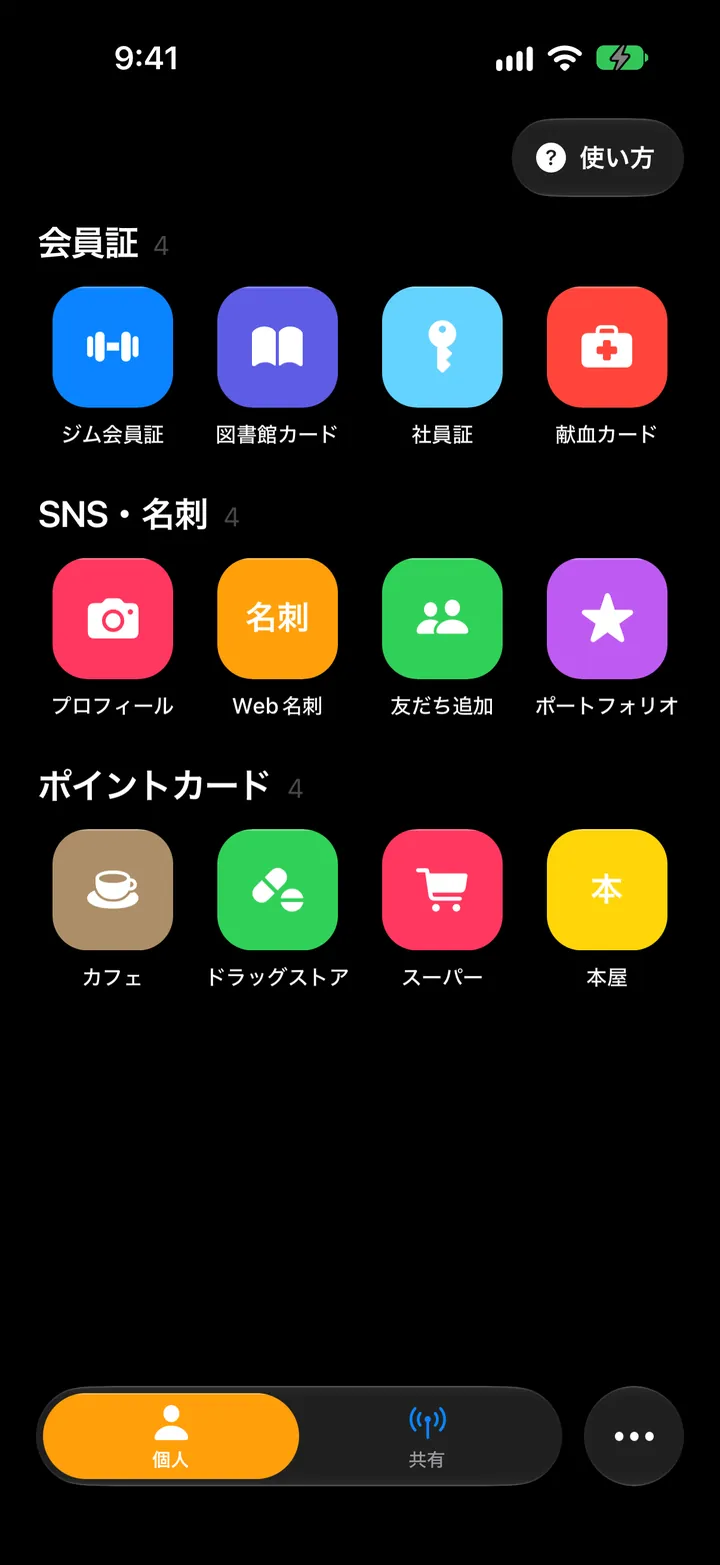
Membership cards, loyalty cards, social profiles. Open, tap, and it fills the screen at full brightness.
How it works
-
Add with the camera or a screenshot
The type is detected. If the code is small, crop in and read it.
-
Tap its icon
The list is there the moment it opens. Colors and silhouettes tell them apart.
-
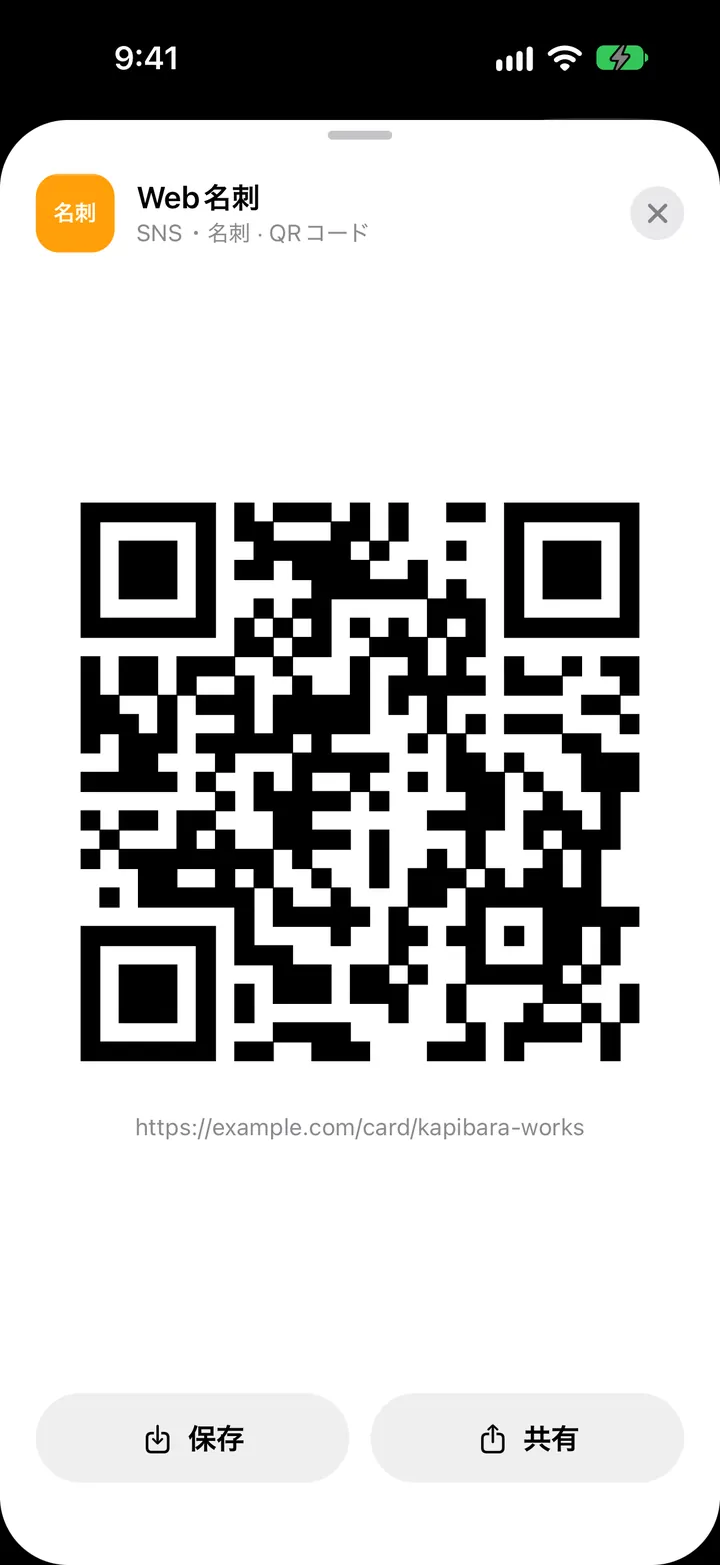
Full screen, full brightness
Close it and the brightness goes back.
All your codes in one place
The codes scattered across your wallet and apps, together and ready to show.
Gym and library cards
Ready at the front desk, no searching.
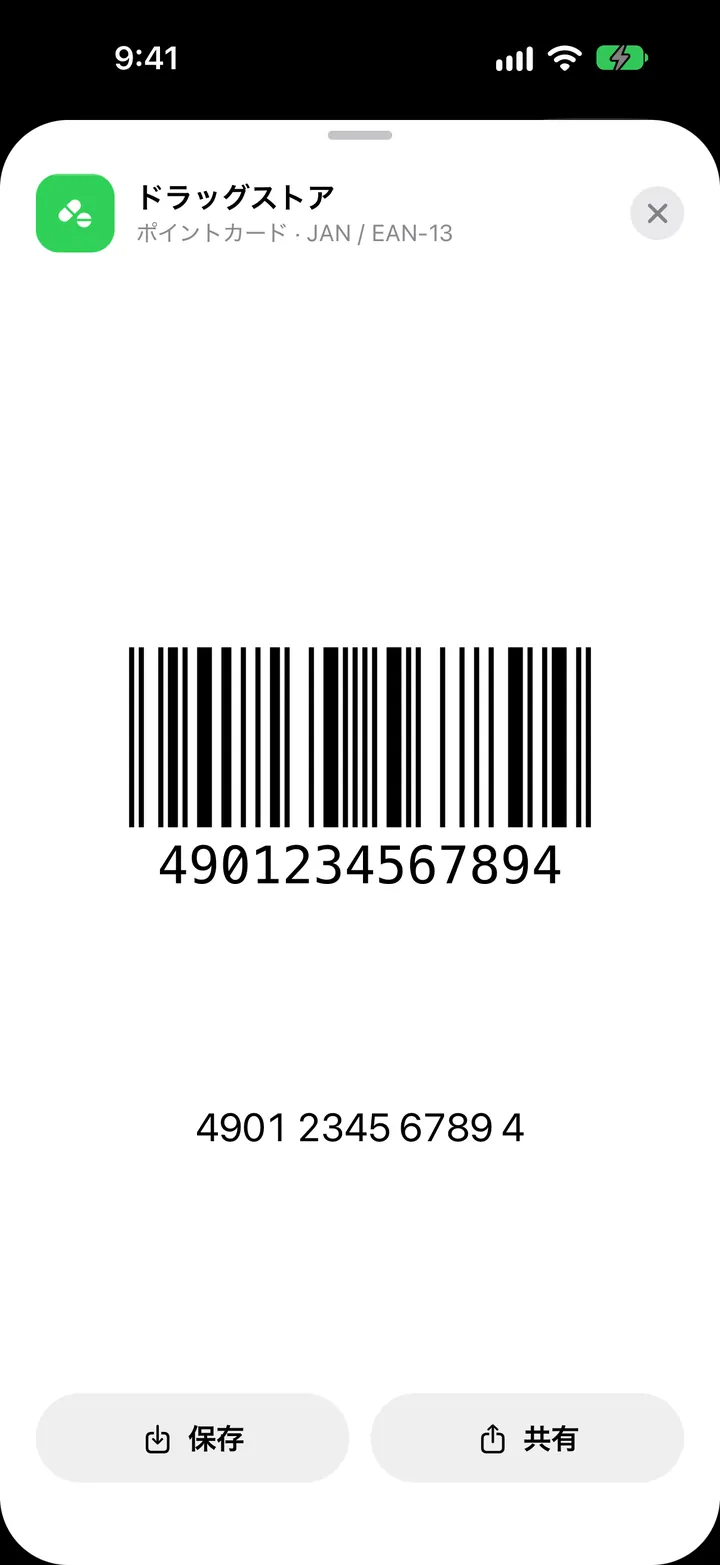
Store loyalty cards
Barcodes show their number too.
Tickets
Open and show it, right in the queue.
Social profiles and web business cards
Show it on the spot when you meet someone new.
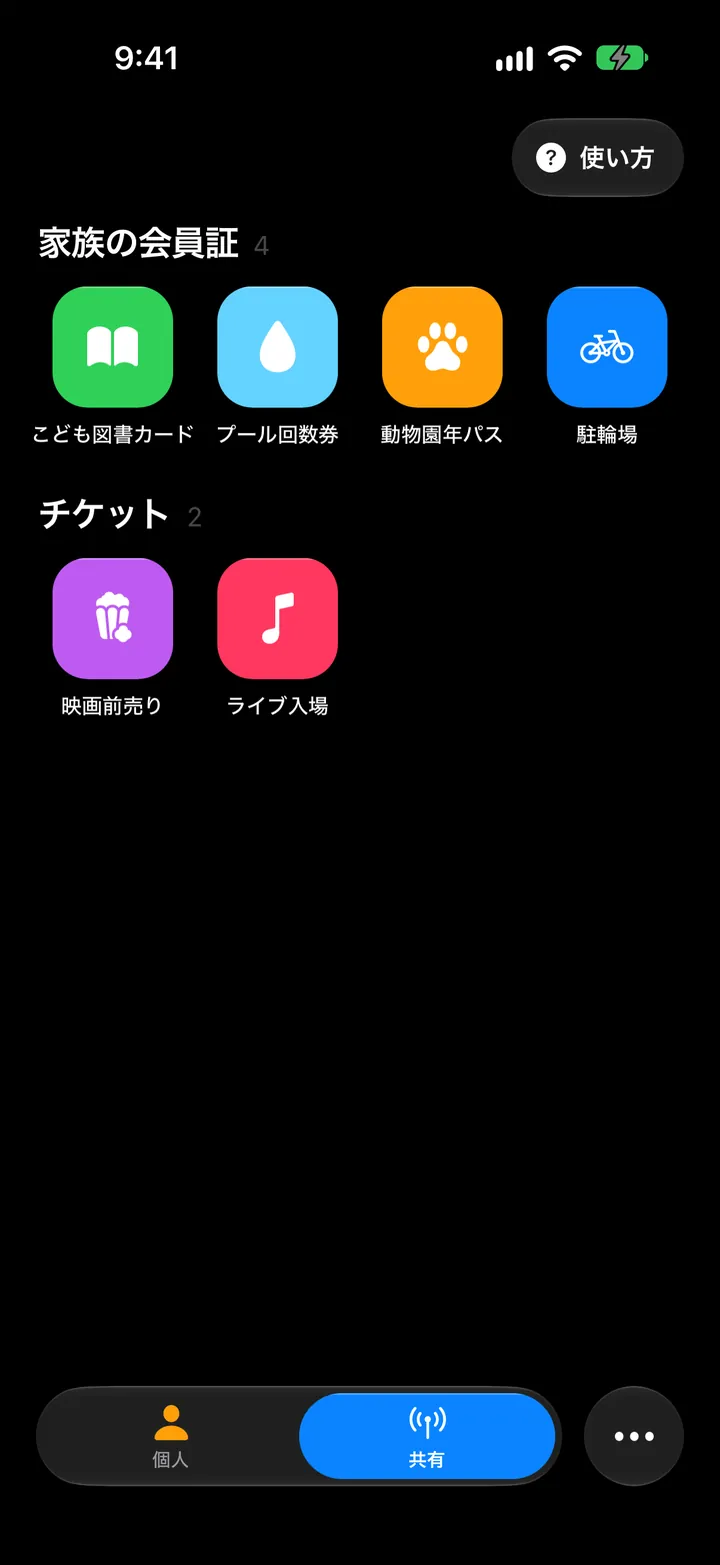
The same codes for your family.
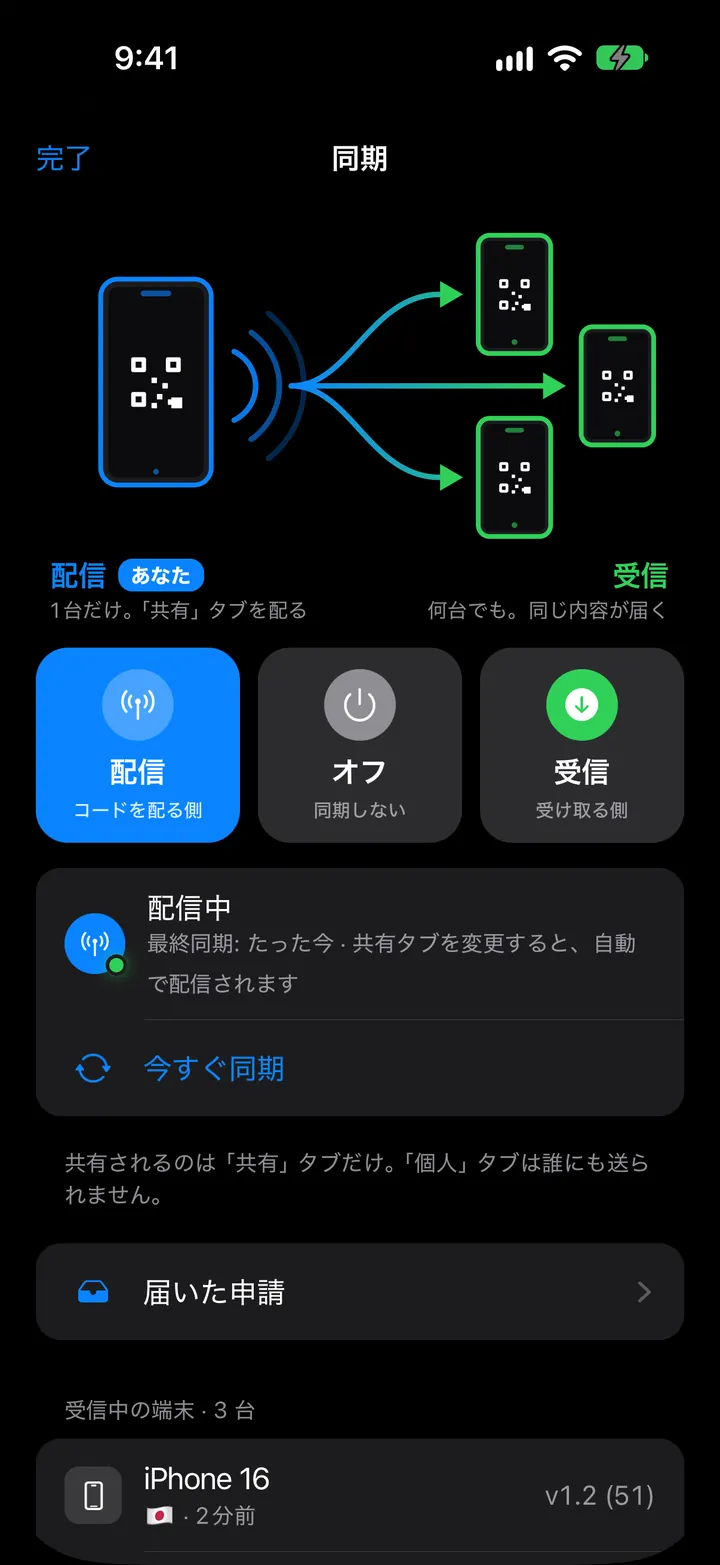
Broadcast your Shared tab to your family’s iPhones, exactly as you arranged it.
Sync is optional. Your Personal tab is never sent to anyone.
And more
QR codes and barcodes
Aztec, Data Matrix, JAN, UPC, Code 128 and more.
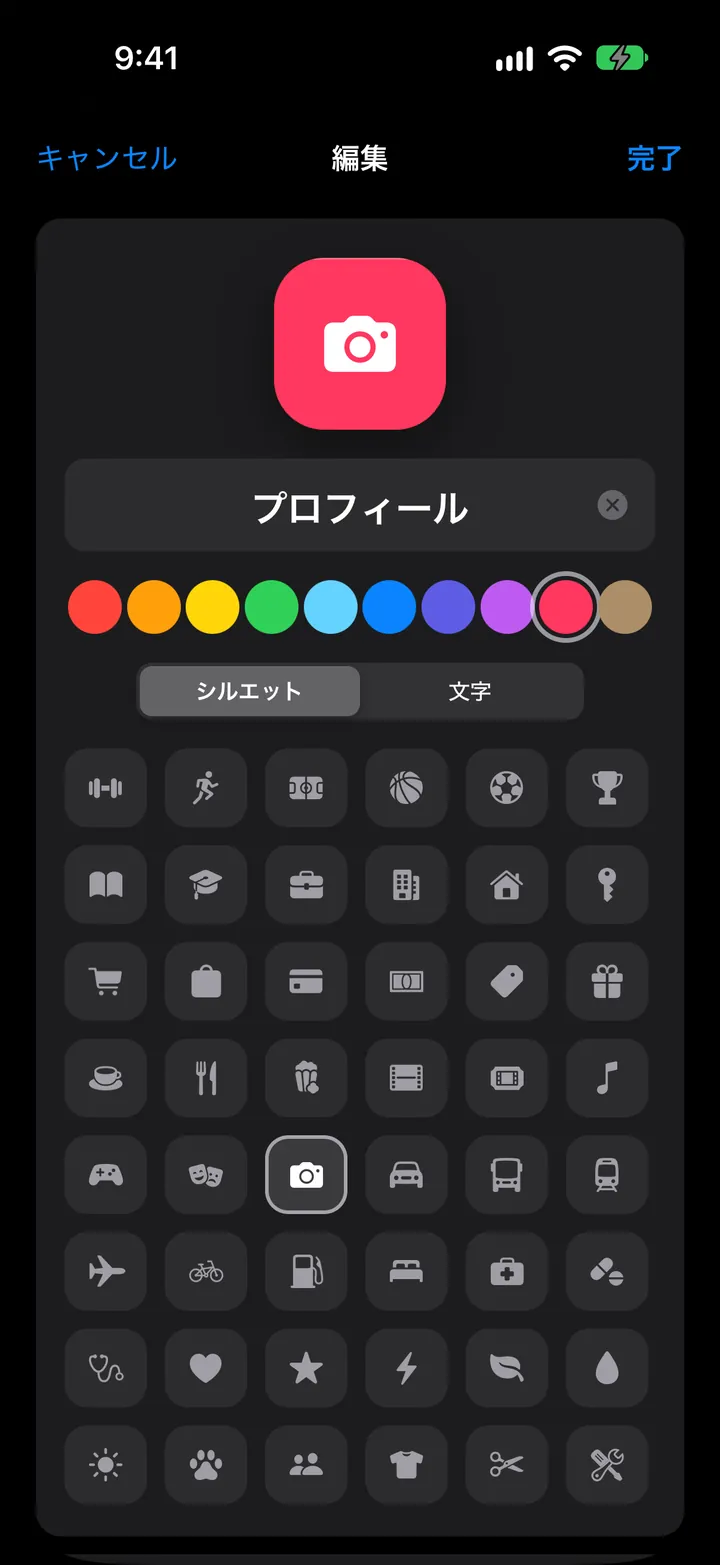
Arrange it your way
Colors, groups and drag-to-reorder.
Automatic backups
After every change, on the device and in iCloud. Go back anytime.
Everything free
No ads. You can leave a tip if you like.
Screens
Good to know
- No account, ads or tracking
- Codes are stored on your device
- Every feature is free
- Devices
- iPhone, iPad
- Requires
- iOS 16.4 or later
- Price
- Free (optional tips)
- App languages
- Japanese, English, Korean, Chinese (Simplified)
- Developer
- Kapibara Works
QR-ready
Membership codes, one tap away