- Just pick them, in any order
- Honest about the hard parts
- Vertical or horizontal
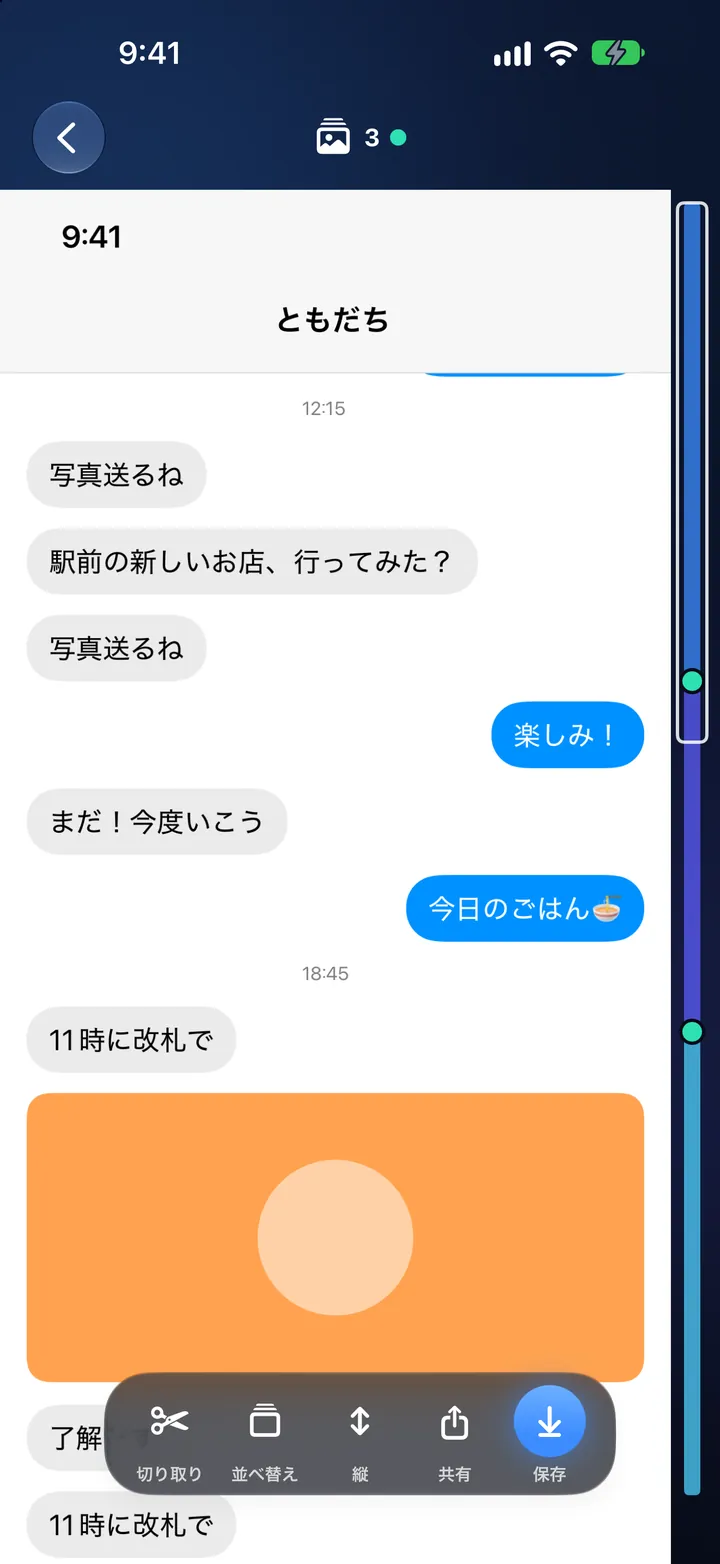
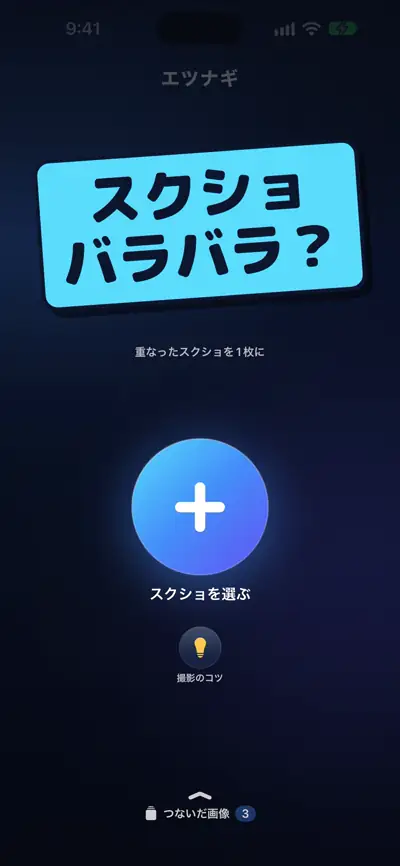
Just pick overlapping screenshots. Even out of order, it finds the seams and makes one long image — all on your iPhone.
What it does
-
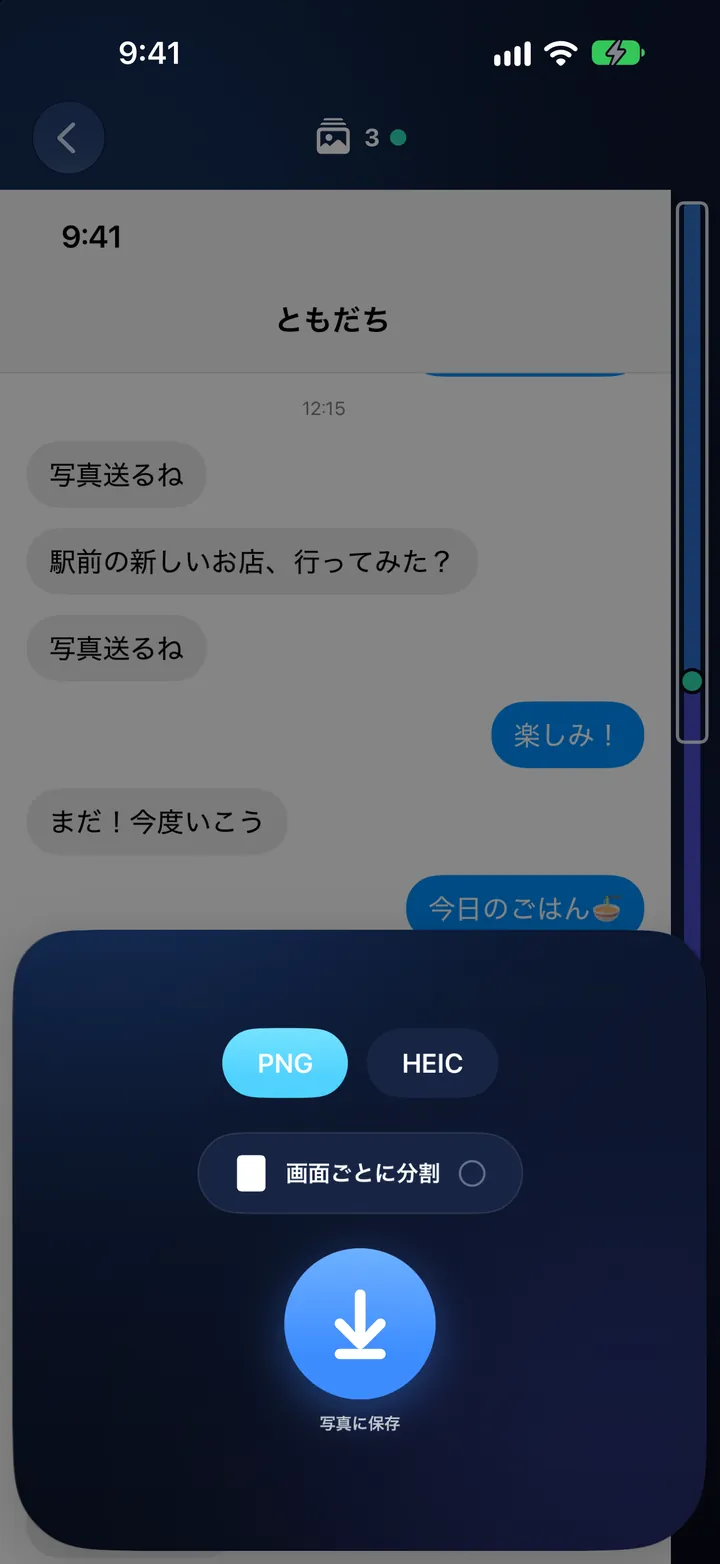
Just pick them, in any order
Pick 2 to 30 at once. Even out of order, they're put back in the order of the content. Fixed headers and tab bars are kept only at the top and bottom.
-
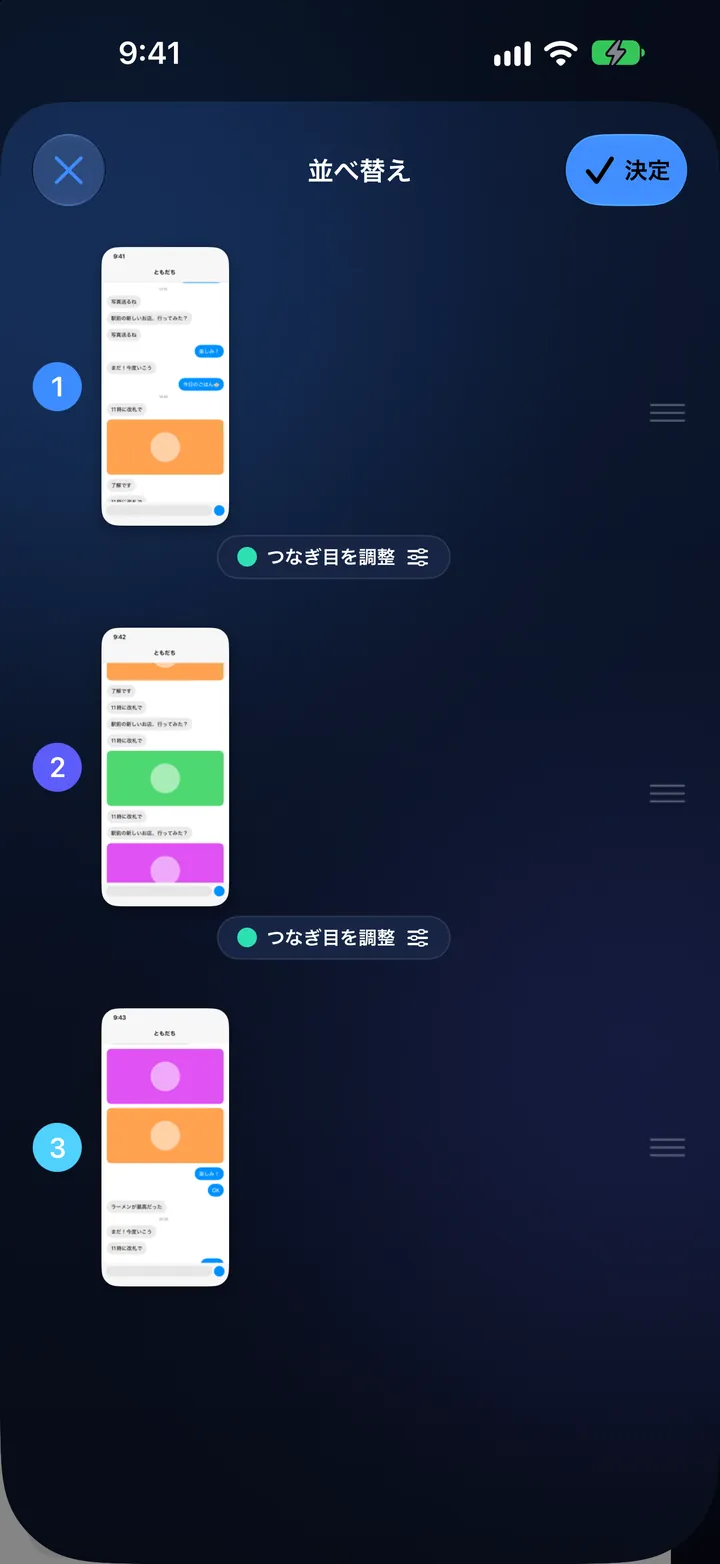
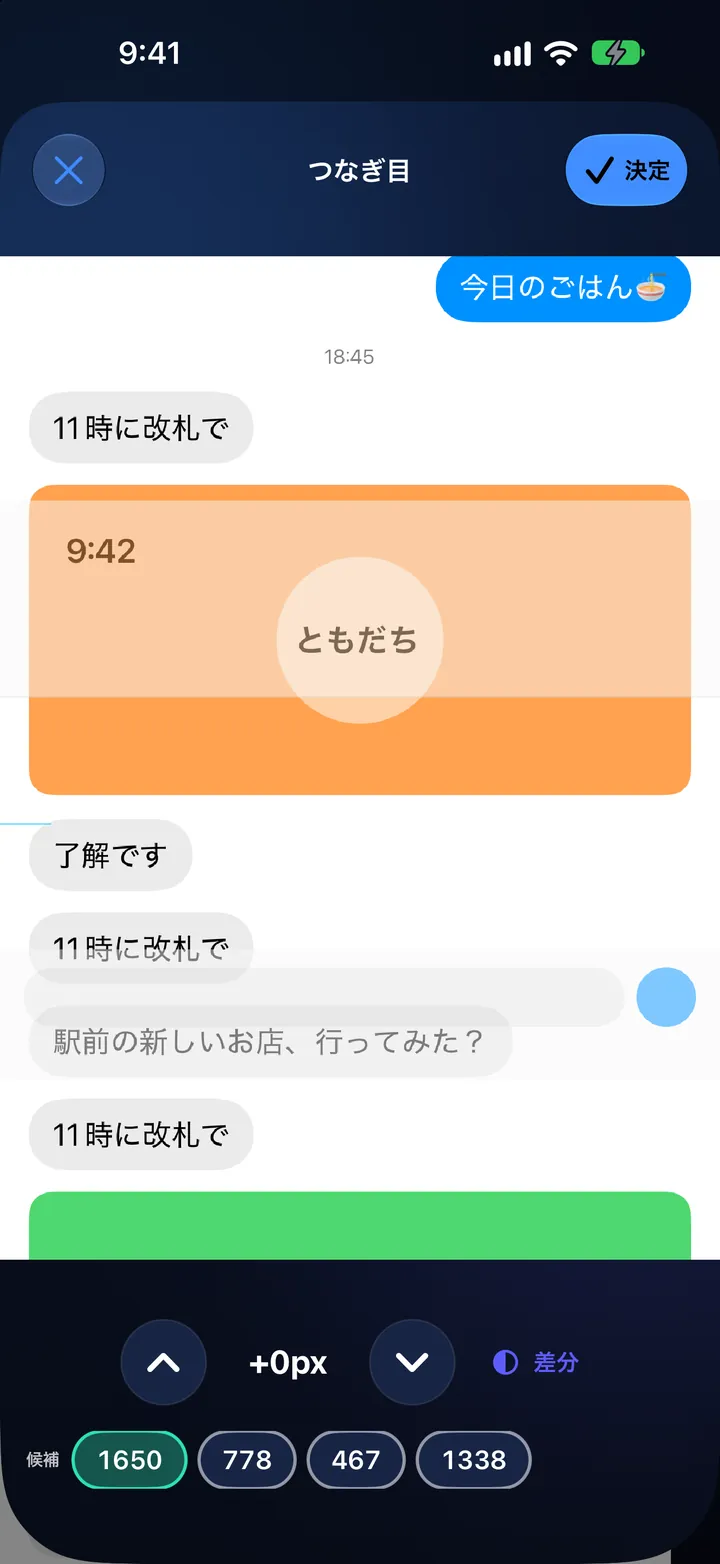
Honest about the hard parts
Each seam gets a green (sure), yellow or red dot. Fix the yellow and red ones by reordering or nudging them pixel by pixel.
-
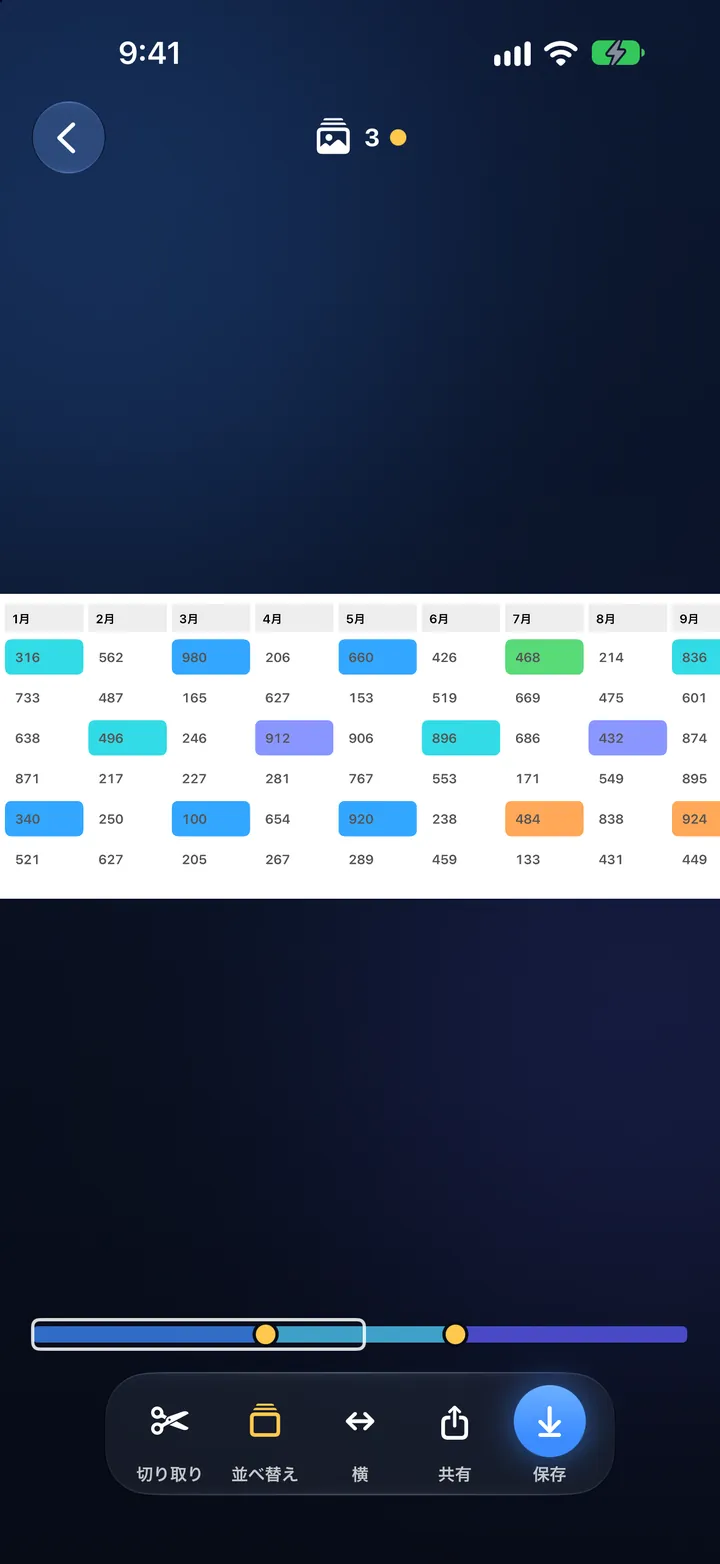
Vertical or horizontal
The direction is detected automatically, so wide tables work too.
-
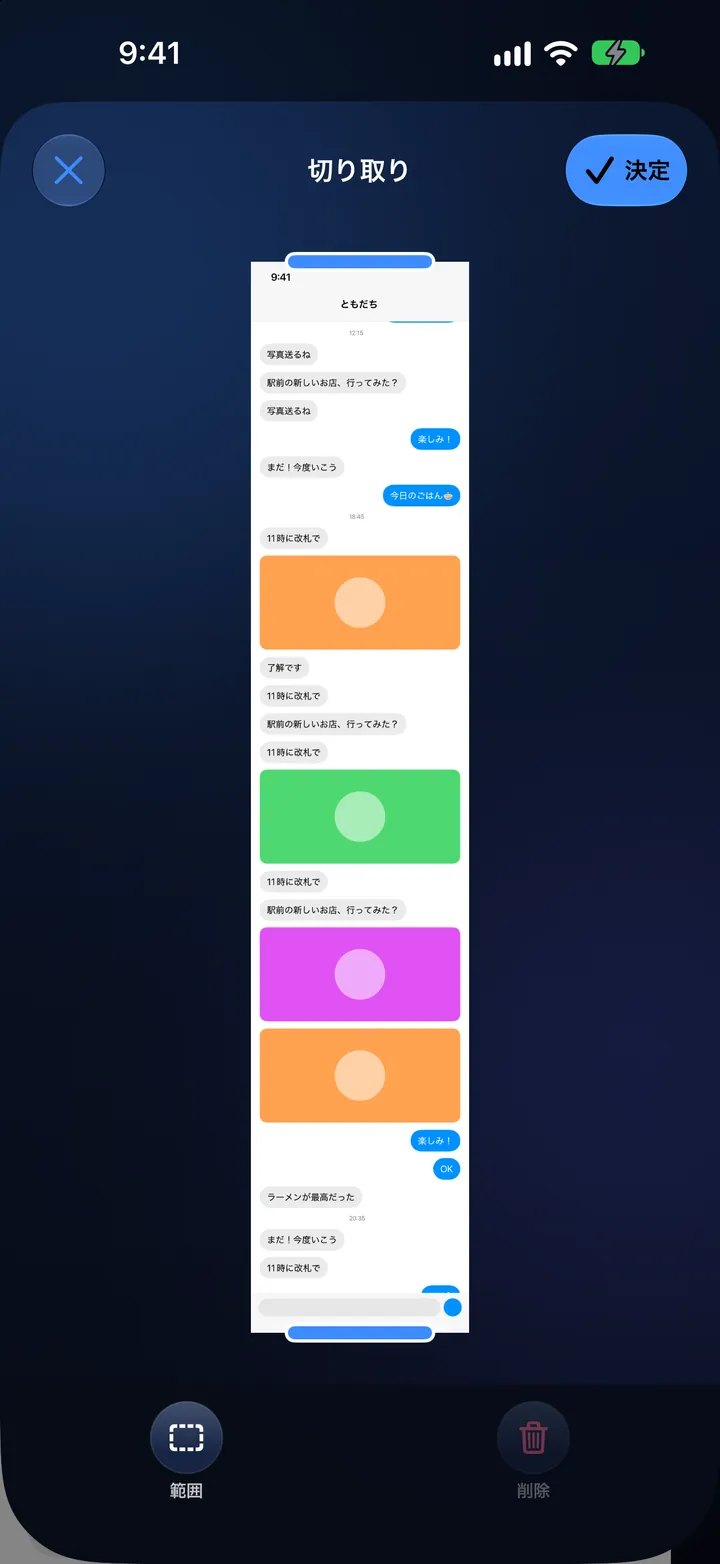
Trim and save
Remove unneeded parts or ads in the middle, then save to Photos as PNG or HEIC — or split by screen, or send it straight from the share button.
-
Everything stays on your iPhone
There are no network features, so images and data are never sent anywhere. No account, ads or analytics.
See it in motion
At a glance
- No network features
- 2 to 30 at a time
- No account, ads or analytics
- Devices
- iPhone
- Requires
- iOS 26 or later
- Price
- Free
- App languages
- Japanese
The app is in Japanese and available on the Japanese App Store.
- Developer
- Kapibara Works
ETSUNAGI
Stitch screenshots into one long image, automatically